From an empty building to the first invoice
The whole path, once: settings, units, meters, fees — and a first invoice issued properly.
This is the long way round, but you walk it once. After it, a month takes minutes.
If a partner created your building, most of steps 1–4 are already done — check them and go to 5.
Everything here is in one place — the “Administration” button under the Building section.
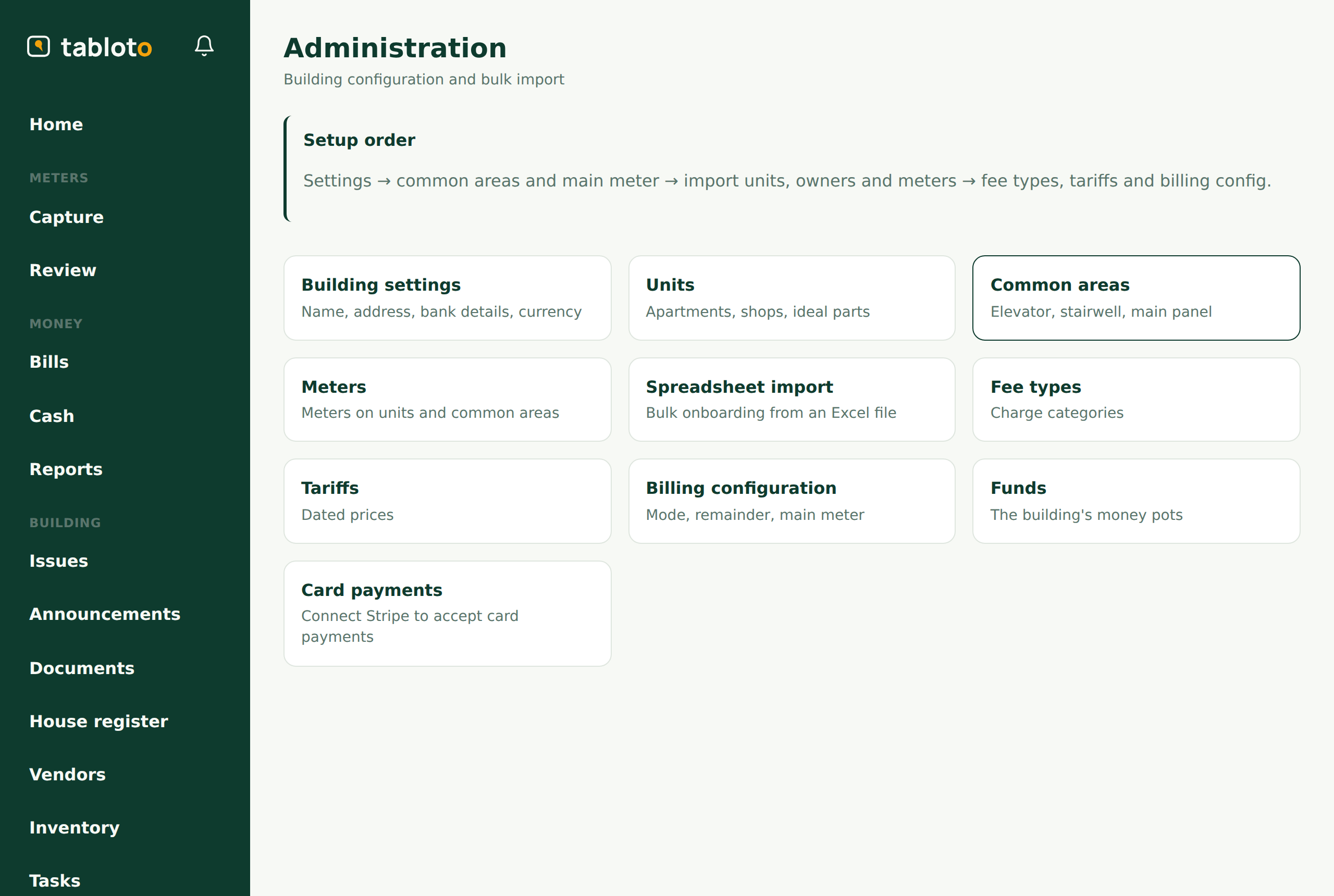
1. The building’s settings
Building → Administration → Settings.
Name, address, entrance. And the bank account — IBAN and account holder. These are printed on the invoices; without them an owner has nowhere to pay.
The currency is chosen here, but only while no invoice exists. After the first invoice the field locks — an invoice issued in one currency cannot change its currency retroactively. So: choose the currency before you run the first month.
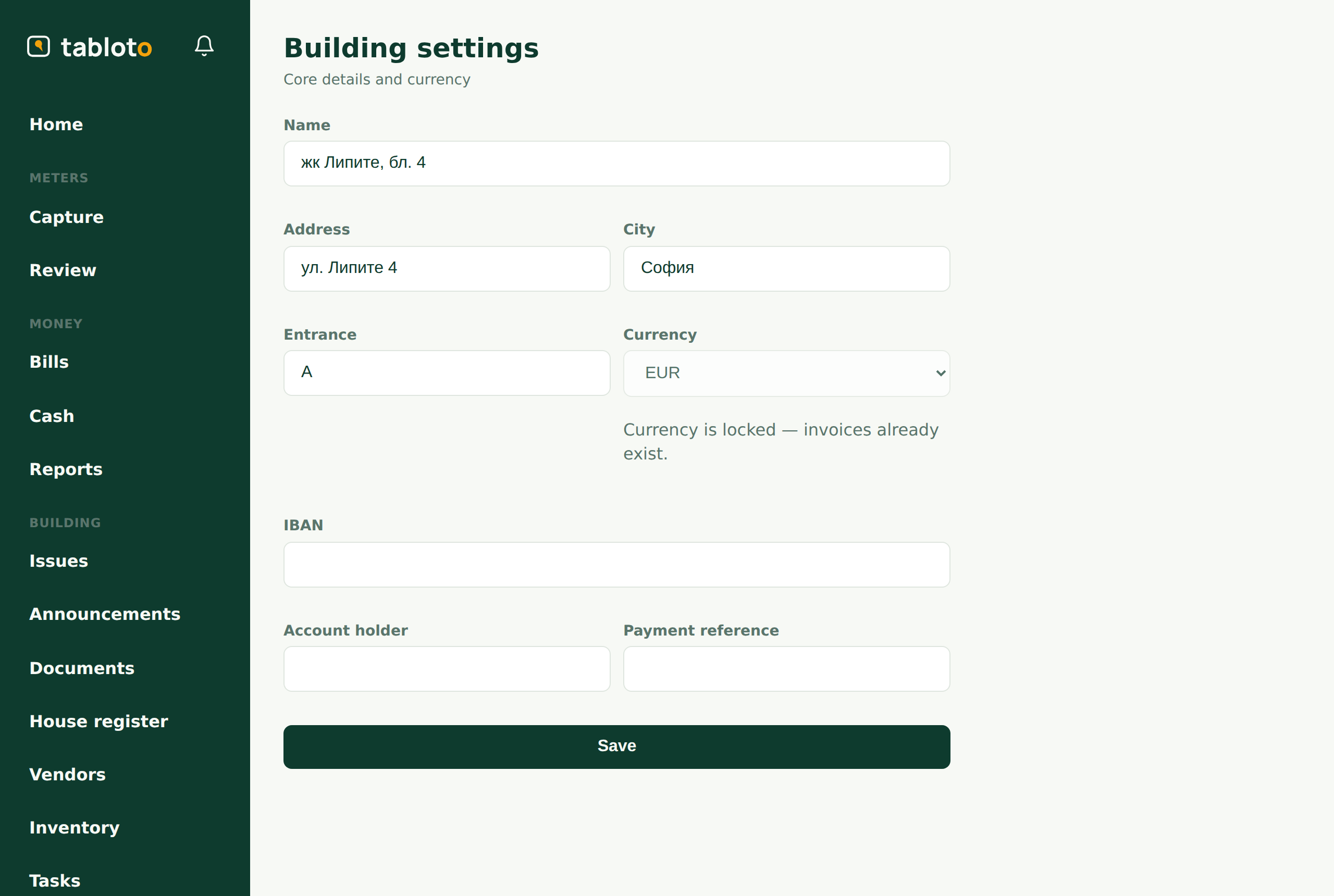
2. The units
Administration → Units.
Every apartment, studio or shop that shares the costs. Each needs:
- a label — as the people in the building know it (“Ап. 4”, “205”). It must be unique; if you enter one that already exists, Tabloto refuses rather than making a duplicate.
- ideal parts — the percentage of the common property. It is in the title deed. Costs that are split by ideal parts are split by this.
- resident count — for per-resident fees.
- floor — for ordering.
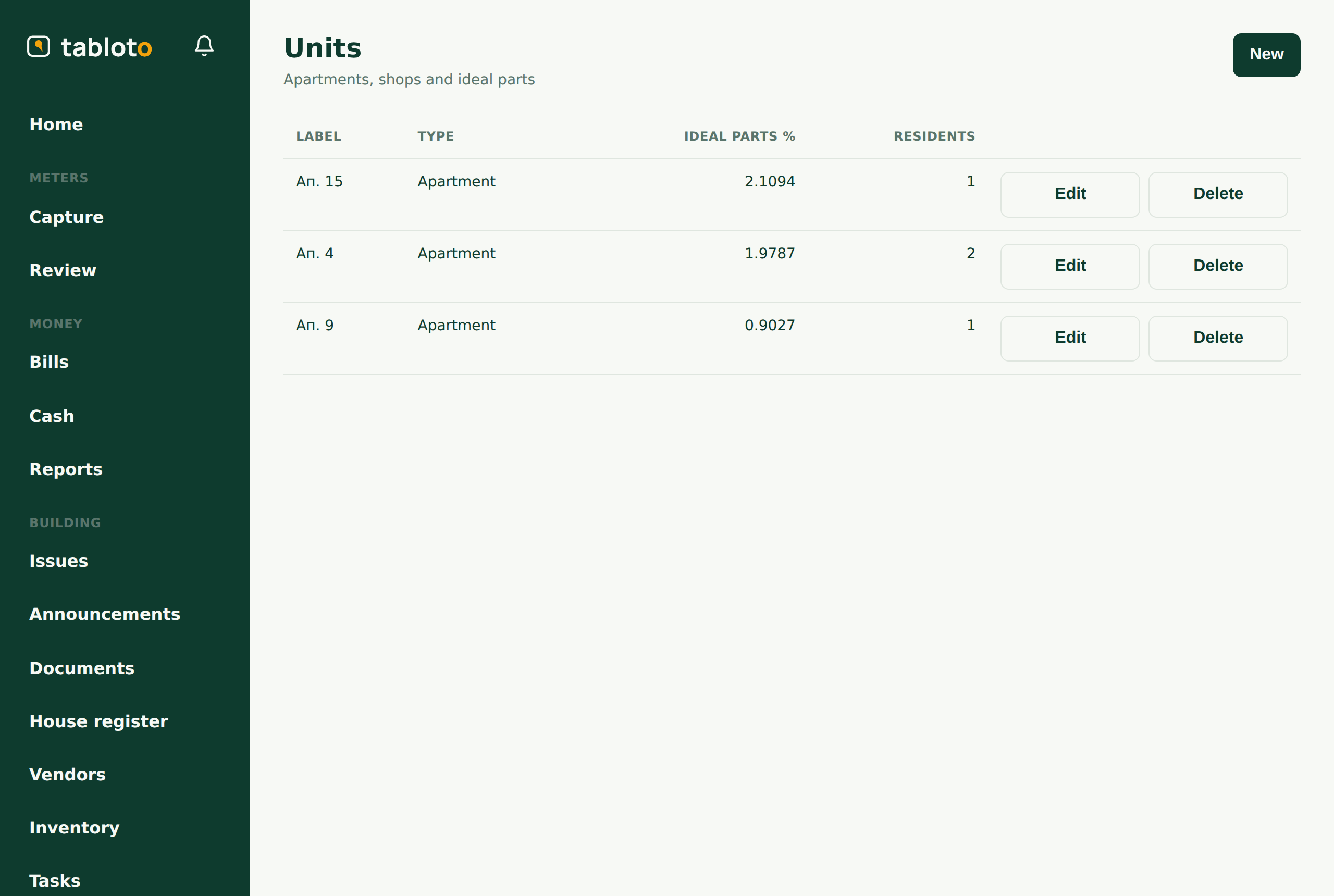
If there are many units, do not type them in one by one — see Onboarding with the .xlsx import.
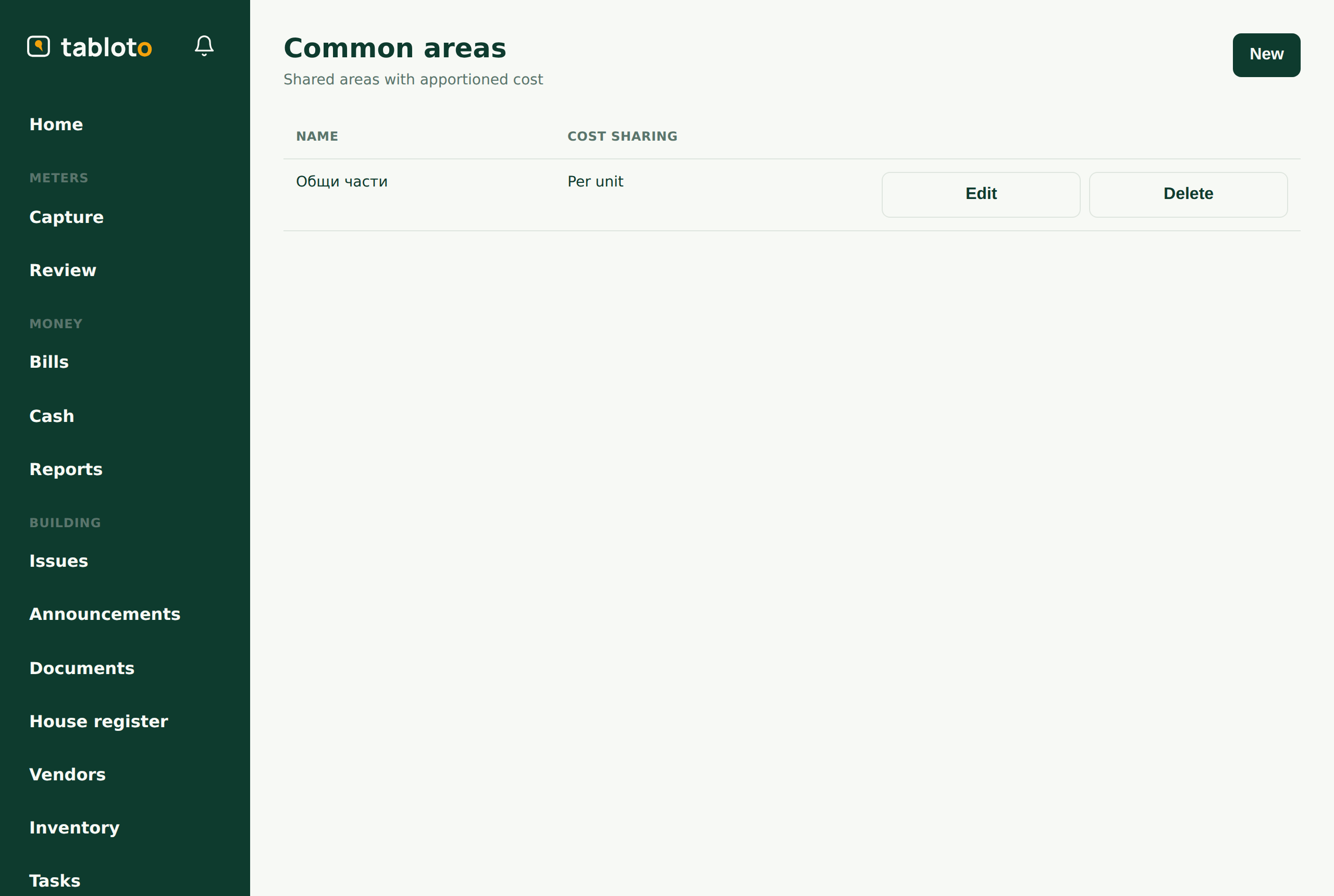
3. Common areas and the main meter
Administration → Common areas.
Create “Общи части” (stairwell, lift, entrance board — whatever your building has). This is where the main electricity meter attaches — the one at the entrance, the one the supplier bills the building against.
The main meter matters: when apportioning electricity, Tabloto divides the supplier’s bill by the main meter’s consumption to get the real price per kWh for that month. Without a main meter that run cannot happen — and Tabloto refuses rather than guessing.
4. The apartment meters
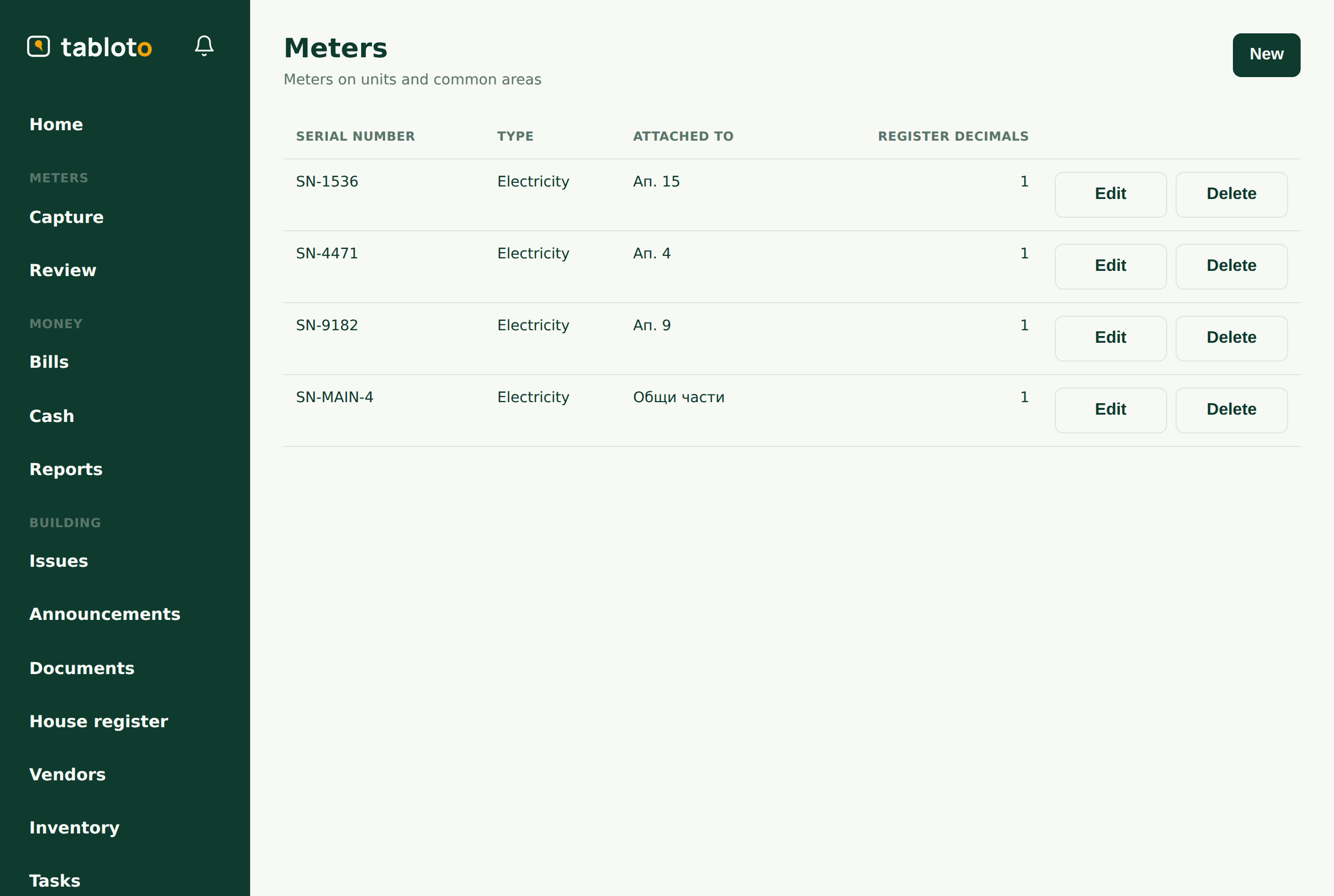
Administration → Meters.
For each apartment, its meter: the serial number (as written on the meter) and the number of decimal places.
The second looks trivial. It is not. If your electricity meter has a red wheel for tenths, put 1. If it does not, put 0. Tabloto uses this number to place the decimal point in the same position on every reading of that meter. Get it wrong and readings of the same meter will not compare with each other, and the consumption will come out absurd.
5. Fees, tariffs, funds
Administration → Funds — at least two: maintenance and repair. Every lev passes through some fund.
Administration → Fee types — what the building pays for: electricity, management fee, repair fund. Each fee must name a fund — where the money goes. A fee with no fund stops invoicing: Tabloto refuses to run the month rather than putting the money somewhere implied.
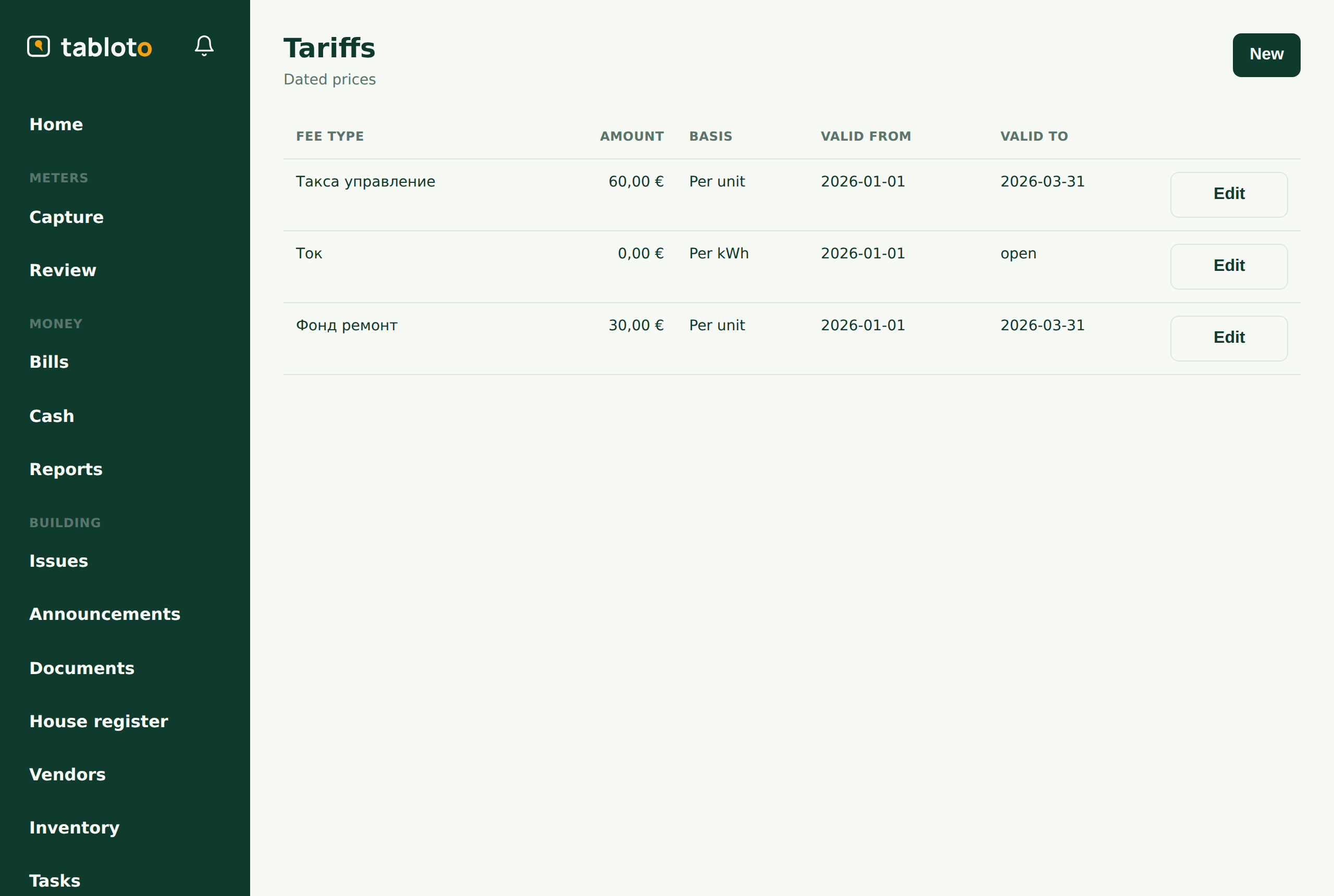
Administration → Tariffs — how much, and on what basis:
- per unit — the same amount for each apartment;
- per resident — the amount times the number of residents;
- per ideal part — by the share of common property;
- per kWh — by consumption (when apportioning, the price is derived monthly, so the tariff sits at 0);
- fixed total — a building-wide cost split by ideal parts.
Administration → Billing configuration — how electricity is treated:
- fixed — everyone pays a fixed amount;
- apportioned — the supplier’s bill is split by consumption (the common case);
- individual — everyone pays for their own meter only.
When apportioning, you also choose what happens to the remainder — the difference between the supplier’s bill and the sum of the apartments (common areas, losses). Either it is split across the units, or a fund absorbs it.
6. The first month
From here it is the monthly loop:
- The caretaker photographs the meters (or you enter them) — Readings and review.
- Money → Billing → enter the supplier’s bill for the month.
- Run the billing. Review. Approve. Send.
Full detail: Billing.
If something refuses
Tabloto refuses to issue invoices rather than getting it quietly wrong. The refusals mean:
- no main meter — step 3;
- no consumption — readings for the month are missing, or the main meter was not read;
- negative remainder — the apartments sum to more than the main meter. Some reading is wrong; check them before running again;
- fee without a fund — step 5.
None of these break anything: not a single invoice is issued until the cause is fixed.