Billing: from the supplier's bill to the sent invoice
The period, the apportionment, the review, the approval — and why a sent invoice is never edited.
Money → Billing.
1. The supplier’s bill
Pick the month and enter what arrived — the exact amount from the electricity bill, as it is, to the cent. Do not round it.
That amount is the truth everything reconciles against. If you apportion electricity, Tabloto divides it by the main meter’s consumption to get the real price per kWh for that month — it changes every month, which is why it is not typed in by hand.
2. The run
One button. Tabloto:
- gathers the month’s approved readings;
- computes each apartment’s consumption;
- applies the tariffs;
- splits the electricity bill by consumption;
- issues one draft invoice per apartment.
The result also tells you how much was not invoiced and for which units — an apartment with no approved reading, for instance. The number is not hidden: better you see it now.
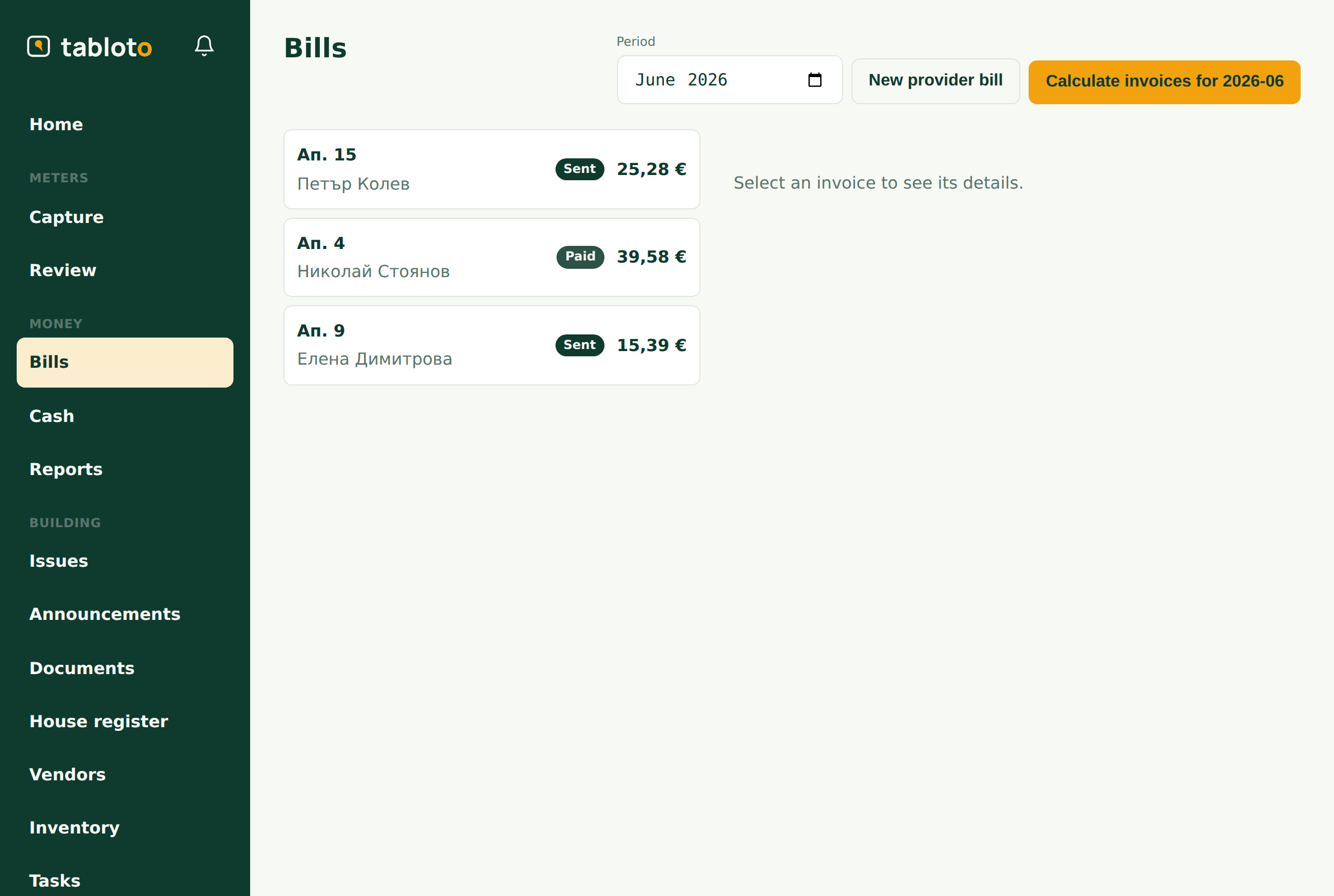
3. The apportionment and the remainder
The apartments almost never sum exactly to the supplier’s bill. The difference is the remainder — common areas, the stairwell, losses in the wiring.
Depending on your setting, the remainder is either split across the units or absorbed by a fund. In the second case it is recorded and booked as a fund expense — one press from the money screen. So the money does not vanish: the supplier’s bill is paid in full and you can see where from.
The odd cents from the division are neither lost nor invented. If 100.00 is split three ways, Tabloto makes 33.33 + 33.33 + 33.34 — the sum is exactly 100.00. Always.
4. Review and approval
The drafts get reviewed. You see every line: which fee, what quantity, what amount.
A draft run can be re-run — if you entered the bill wrong or missed a reading, fix it and run again. While they are drafts, nothing has gone anywhere.
Approve — the invoices are ready.
5. Sending
Send does three things: renders a PDF, emails it to the owner, and moves the status to sent.
The email goes out in the recipient’s language — an owner who uses Tabloto in Bulgarian gets a Bulgarian email, even if you are working in English. An owner with no email gets nothing and appears in the “to print” list.
A sent invoice is not edited
After sending, the invoice’s amounts are locked. Not because fixing it would be inconvenient, but because the owner has already seen it: a document that changes retroactively is not a document.
A correction is made with a credit note — a separate document saying “this much comes off that invoice”. The history stays visible: what was invoiced, what was corrected, and why.
The only thing that changes after sending is the payment status: Sent → Paid when the money arrives, or Sent → Overdue when the due date passes. The amounts — never.