Creating and configuring a building
How to stand up a new building from nothing — and what to know before you start.
Partner access is for outside professionals — building finders, property managers — who prepare a building and hand it to the committee.
Creating it
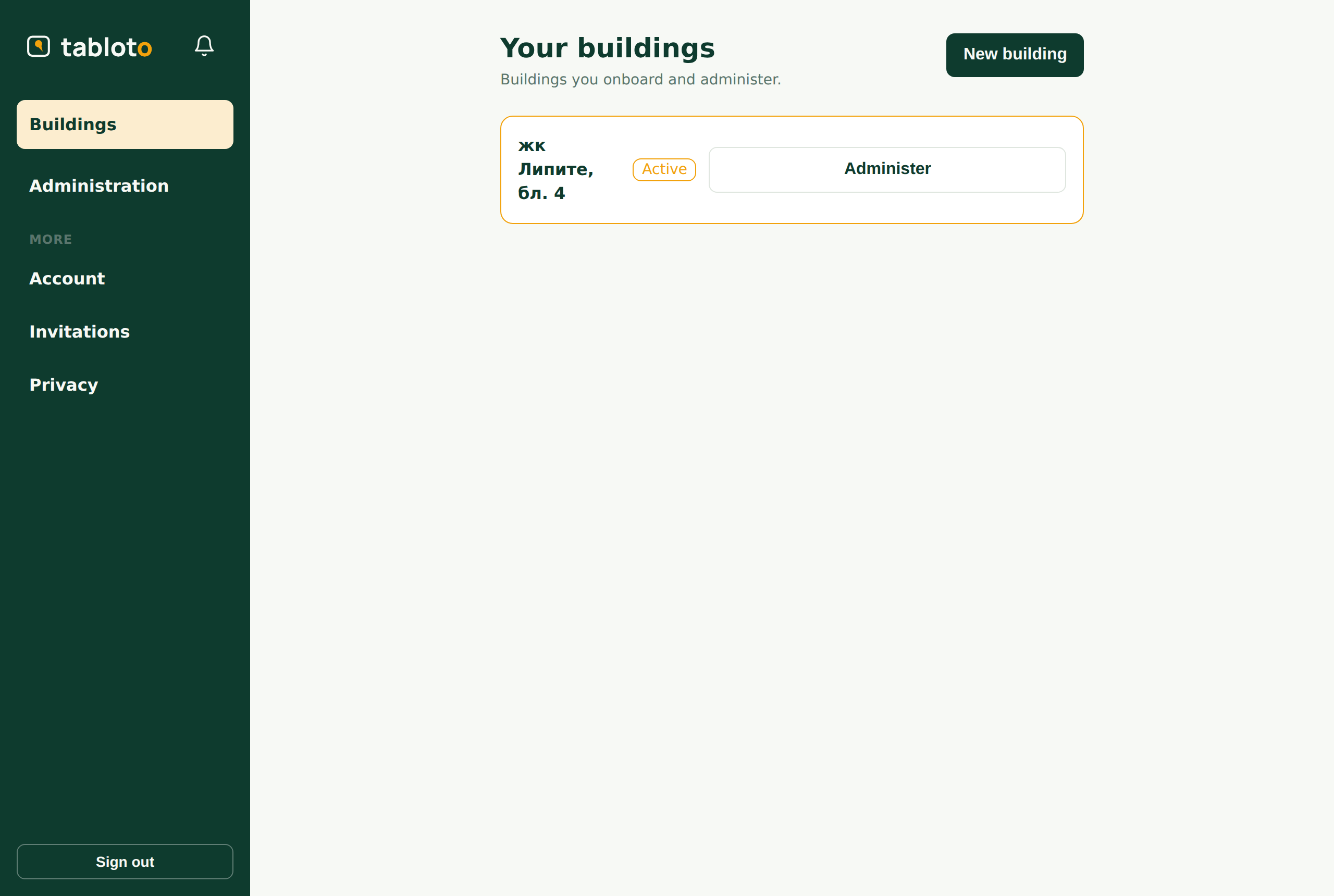
Buildings → New building.
Name, address, city — and the plan. The plan is chosen here, at creation; after that only we change it, so it is worth settling with the client first.
The building is yours from that moment: you are its partner and you see Administration.
Configuring it
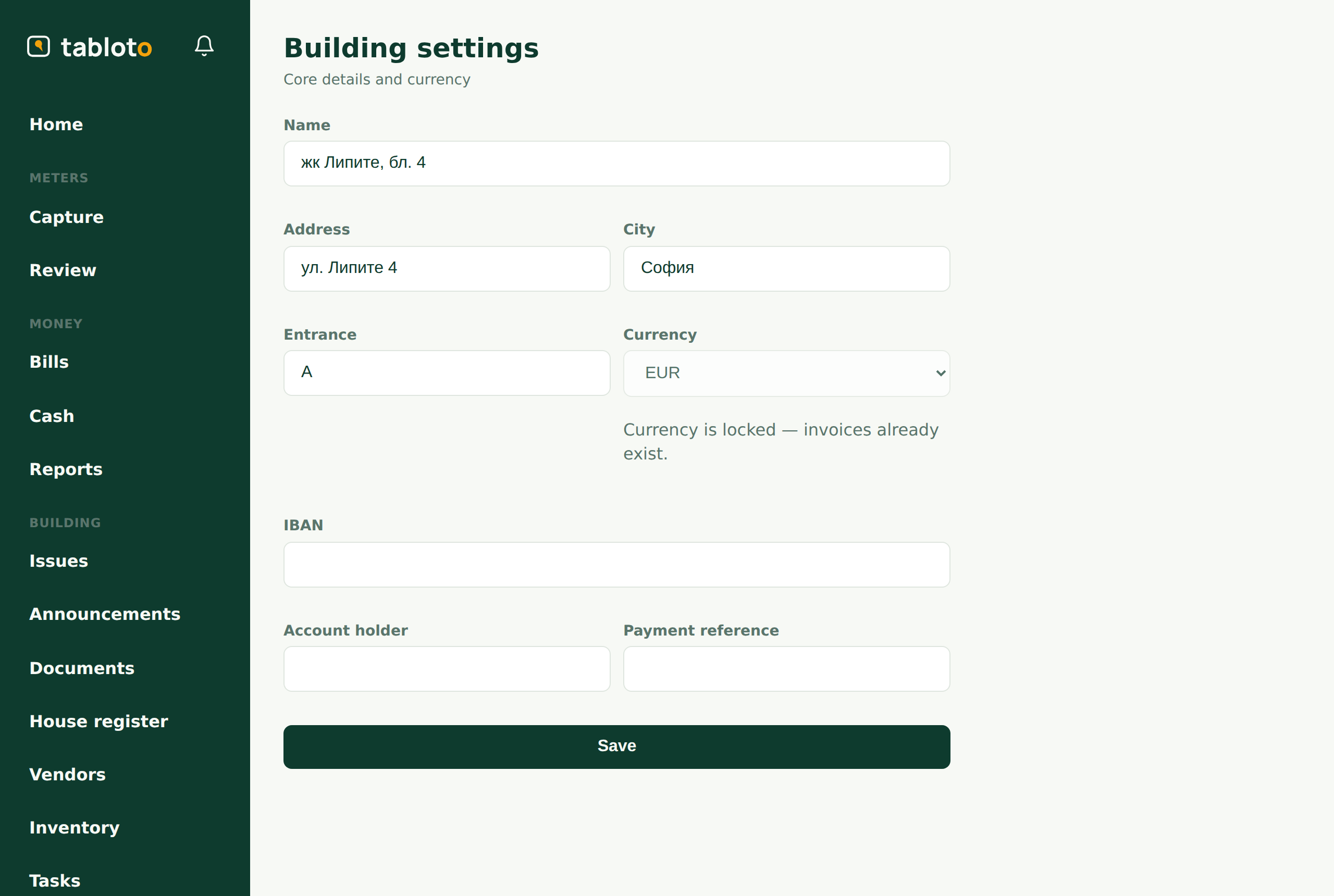
From here it is the same path as the committee’s — walk From an empty building to the first invoice, steps 1–5:
- settings and the bank account;
- units (or the import, if there are many);
- common areas and the main meter;
- the apartment meters — mind the decimal places;
- funds, fees, tariffs, billing configuration.
The currency locks after the first invoice. Choose it now.
What you CANNOT do
You stop here. You cannot:
- run the billing;
- record a payment;
- enter an expense;
- touch readings.
This is not an oversight. You prepare the building; the building’s money is moved by the building. So you configure how the charges are calculated, but you do not issue the invoices — that is the committee’s act, not yours.
If you press one of those, you get a refusal. That is the wall, not a bug.
Handing over
When the building is ready, invite the committee: More → Invitations, role committee.
From that moment they issue the invoices. You stay the building’s partner.