Voting and issues
How to say something: a broken light, an opinion on a question, and what happens next.
Issues
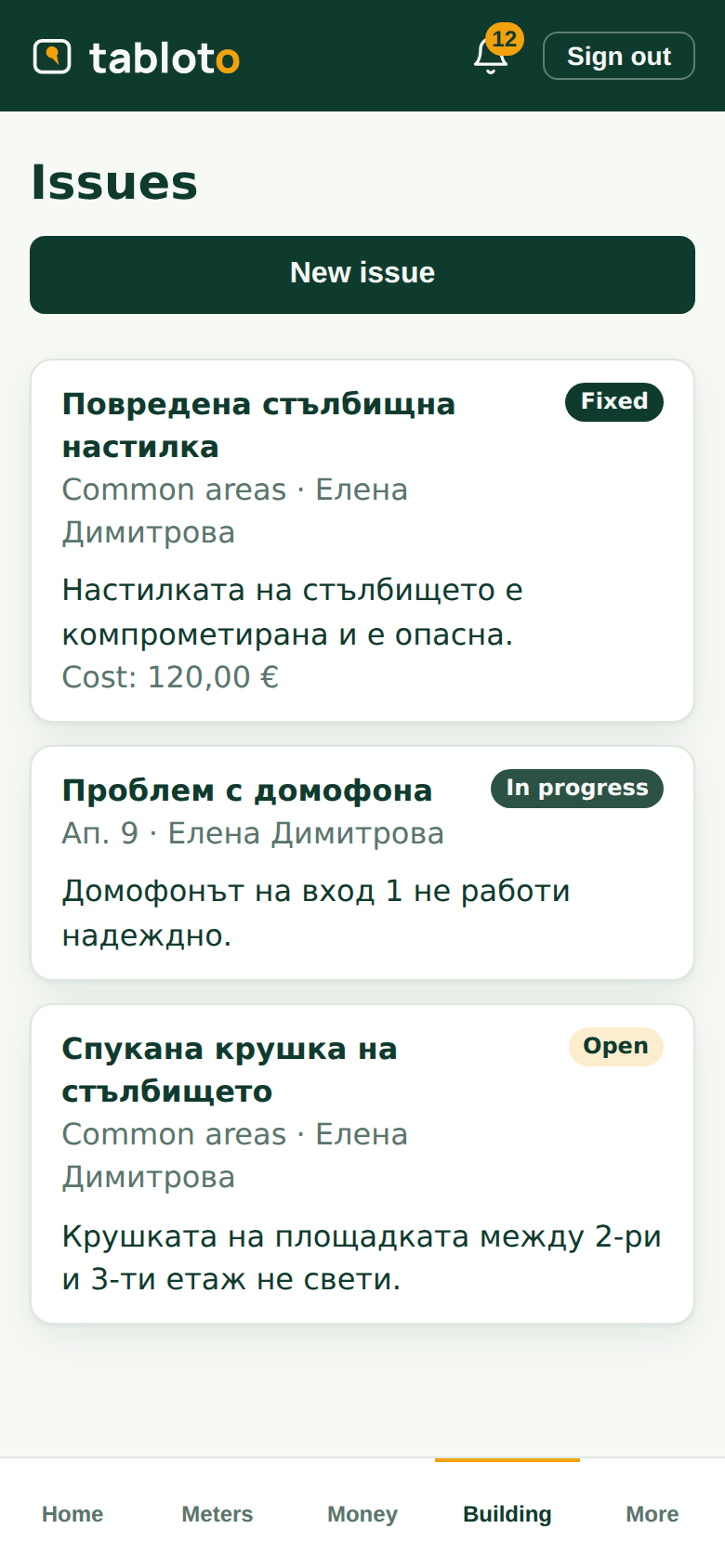
Building → Issues.
A broken light, a leak in the garage, the intercom is dead. Write what it is, where it is, and take a photo — a photo saves three explanations.
Then you see what happens to it: open → in progress → fixed. You get a notification at each change, so you do not have to ask.
If the committee paid for a repair on your issue, the issue shows what it cost. That is also where you can see where the fund’s money went.
You see your own issues and the ones about common areas. An issue a neighbour raised about their apartment is their business — as yours is yours.
Announcements
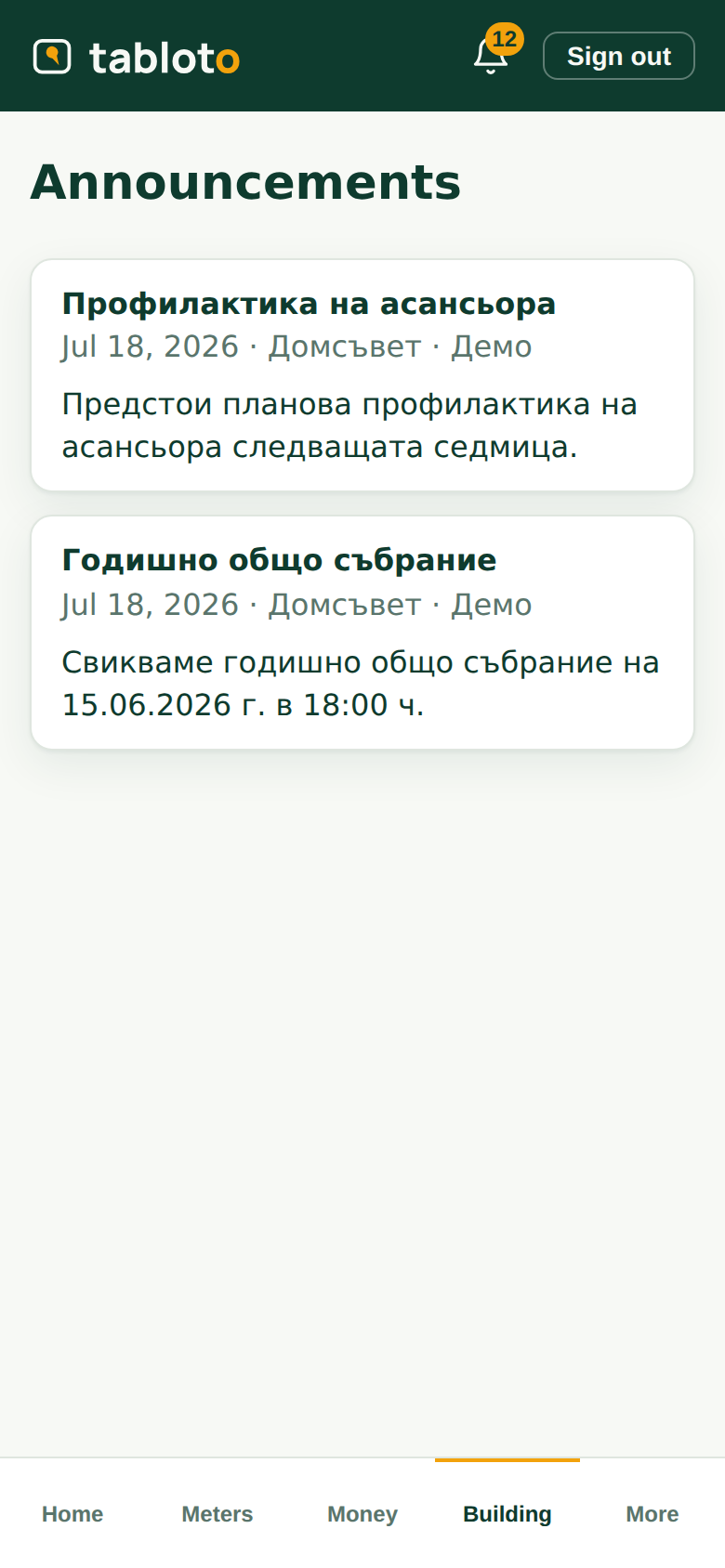
Building → Announcements.
Whatever the committee announces to the building: lift servicing, an assembly, the water going off. They arrive by email too, if you gave an email address.
Polls
When the committee asks the building something, you get a notification and an email.
One vote per unit. If you are a co-owner, the apartment has one vote — sort it out at home. If you own three apartments, you vote three times, and the app shows which unit you are voting as.
Pick an answer and press Submit vote. While the poll is open you can change it — the last one counts.
Why you do not see the result straight away
While a poll is open you see how many have voted, but not what is winning. The result opens to everyone at close, and you get a notification.
That is deliberate: if you can see who is ahead, people start voting the result instead of the question. We are asking what you think, not what everyone else thinks.
A poll is not an assembly decision
It is a consultation. It shows what the building thinks and helps the committee. General assembly decisions are made at a general assembly, by law — which the screen says too.