My invoices and paying
What you owe, where the amount comes from, and how to pay it.
Money → My invoices.
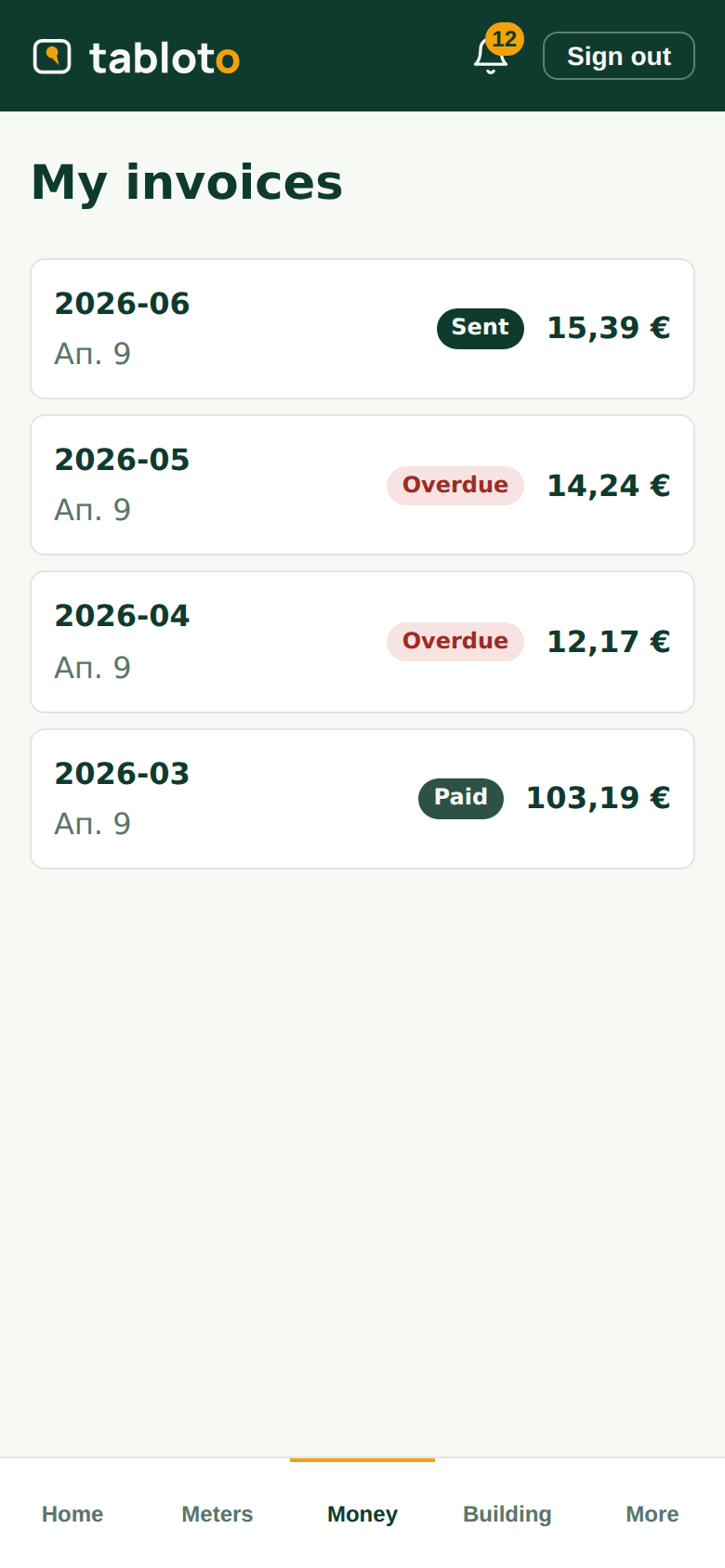
All your invoices, newest first: period, amount, status.
- Sent — you have it, it is awaiting payment;
- Paid — the money arrived;
- Overdue — the due date has passed.
Where the amount comes from
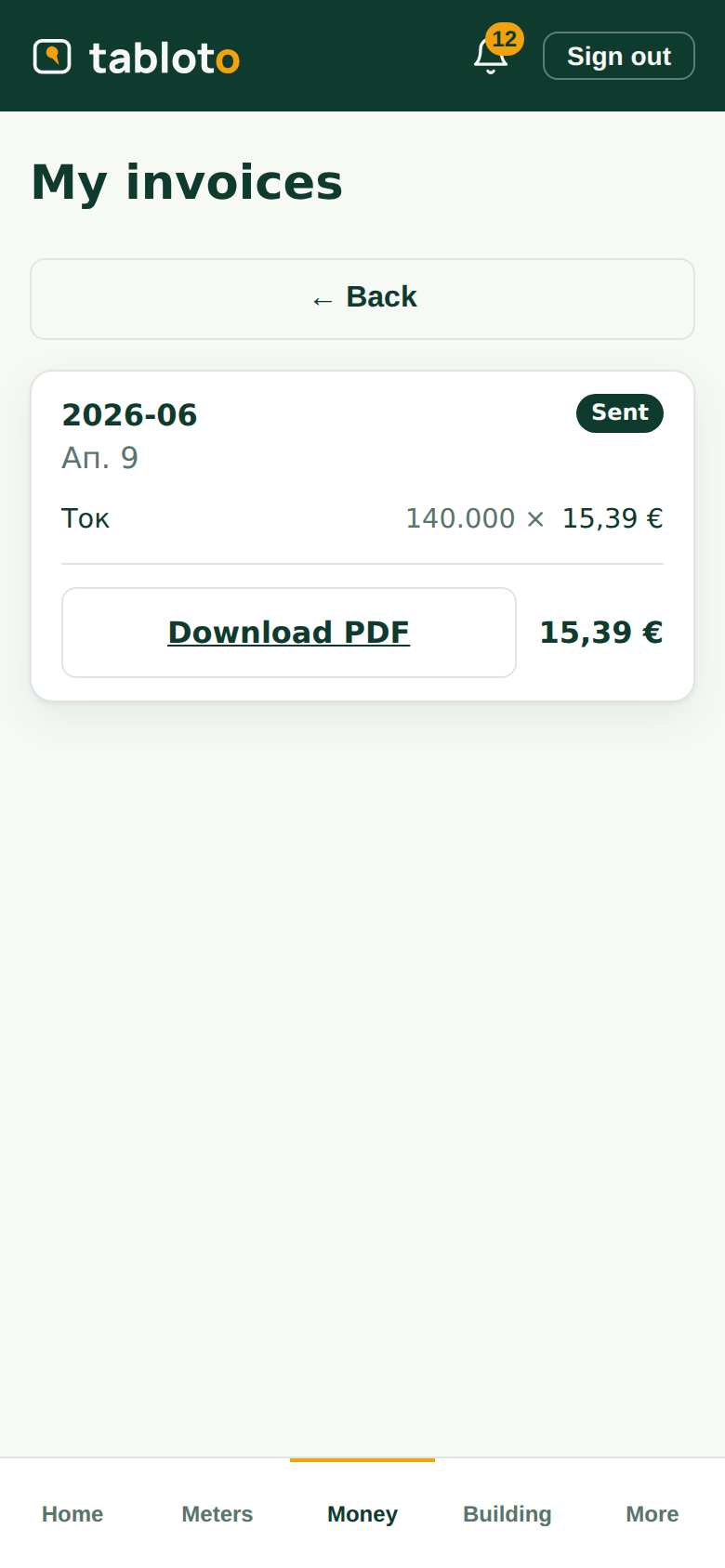
Open the invoice. It is not one number — you can see what it is made of: electricity, management fee, repair fund, each on its own line, with a quantity and an amount.
For electricity you also see how many kWh were recorded for your apartment. If you want to check where that number came from, see My apartment’s readings — the photo of the meter itself is there.
Download the PDF — it is the same document you get by email.
How to pay
By bank transfer — to the building’s account. The IBAN and the reference are on the invoice. Use the reference as printed — that is how the committee knows which payment is for what.
In cash — to the committee, who records it.
By card — if the building has enabled it, an unpaid invoice has a “Pay by card” button. The payment goes directly to the building’s account — Tabloto never holds your money and takes nothing on top.
After a card payment the invoice does not turn “paid” that same second: it waits for the bank to confirm. Sometimes that is instant, sometimes a minute. If you see “processing”, the money is on its way — do not pay a second time.
If you disagree with it
An invoice is not edited after it is sent — deliberately, so that amounts cannot change retroactively. If there is a mistake, the committee issues a credit note: a separate document that reduces what you owe and stays visible. Talk to the committee.
Who sees your bills
The committee (they issue them) and the control council, if the building has one — the elected auditor under the condominium act, who checks the accounts.
Other owners do not see your bills. And you do not see theirs.