Onboarding with the .xlsx import
The whole building at once from one spreadsheet — checked before anything is written.
For a building with more than a few apartments, typing it in is wasted time. The import uploads the units, their owners and their meters in one go.
Building → Administration → Import. Three steps.
1. Download the template
The button gives you an .xlsx with three sheets:
- Instructions — what each column means;
- Units and owners — one row per apartment;
- Meters — one row per meter.
Each sheet has one [ПРИМЕР] (example) row. It is there so you can see what filled-in
looks like — Tabloto skips it on upload. You do not need to delete it.
The dropdowns in the type columns are not decoration: a value outside them is rejected.
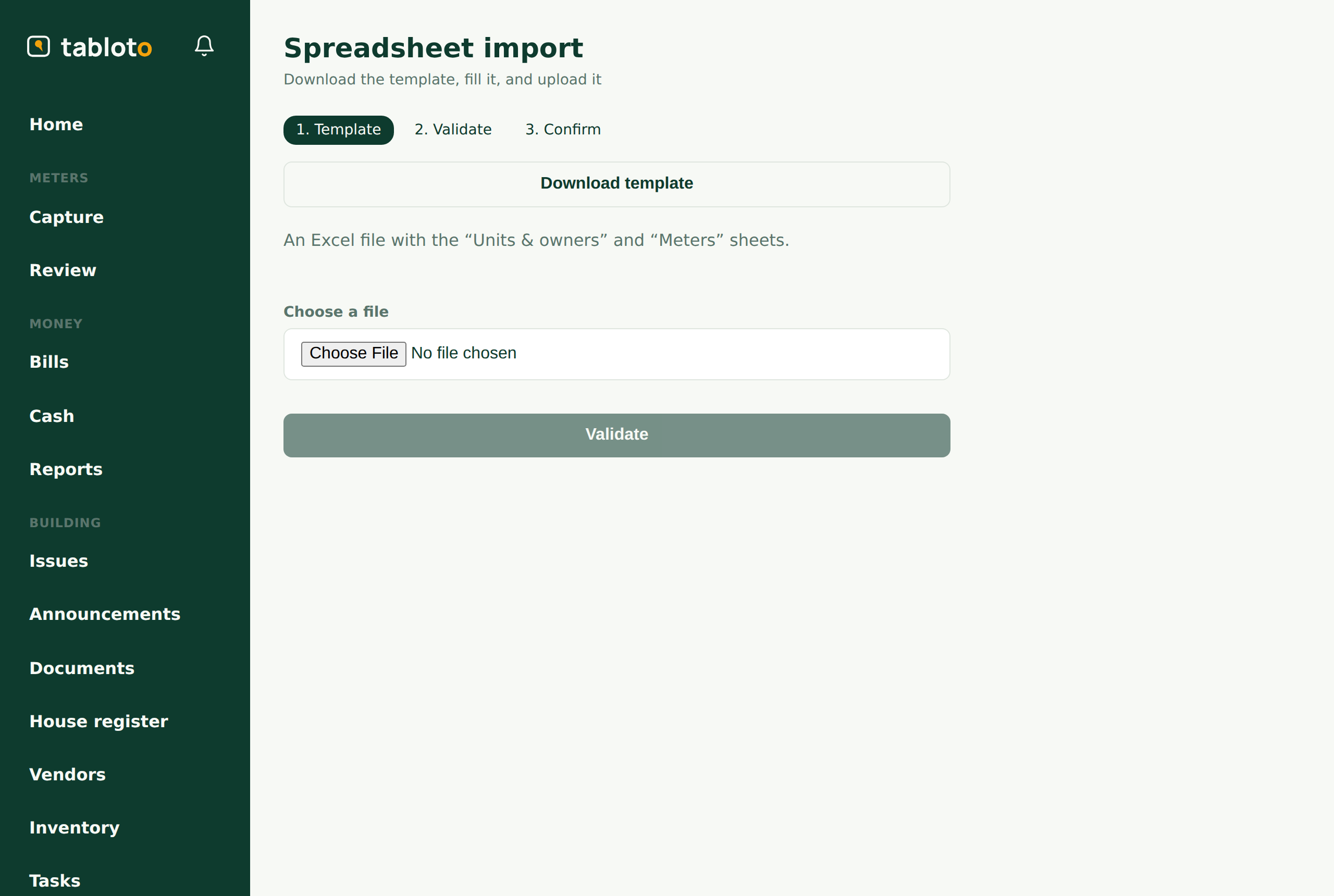
2. Fill it in and upload
Fill it in Excel or LibreOffice — both are fine. Then upload the file.
Tabloto writes nothing at this stage. It checks the file and shows you what it found: how many rows are good and which are not, with the row number and the reason — a missing ideal part, a duplicate unit label, an unknown meter type.
This is the moment to fix the file. Correct it and upload again — as many times as it takes.
3. Commit
Only when there are no errors does the commit button unlock.
Either all of it lands, or none of it. If a problem appears during the write, you are not left with a half-imported building — not one row lands. Which is why one bad row in a hundred-row file does not let the other ninety-nine through: you fix the row and upload again.
What it covers and what it does not
The import covers the many: units, owners, the meters on units.
The one-offs are done from the forms in Administration — common areas, main meter, funds, fee types, tariffs, billing configuration. There is one of each per building; a spreadsheet for them would be more work, not less.
Owners and invitations
The import creates the owner as a record — a person with a name and (if you gave one) an email, already linked to their apartment. That is enough to invoice them.
Whether that person ever logs in is a separate question. The import sends no invitations. Invitations are sent separately, when you decide — from More → Invitations. An owner with no email stays on paper: their invoice is printed, and Tabloto shows you the list of who they are, so you are not left wondering why the delivered count is lower than the unit count.