My tasks
What the committee assigned you, and how to mark where you have got to.
Building → Tasks.
You see your tasks — the ones the committee assigned to you. Other people’s are no use to you and are not shown.
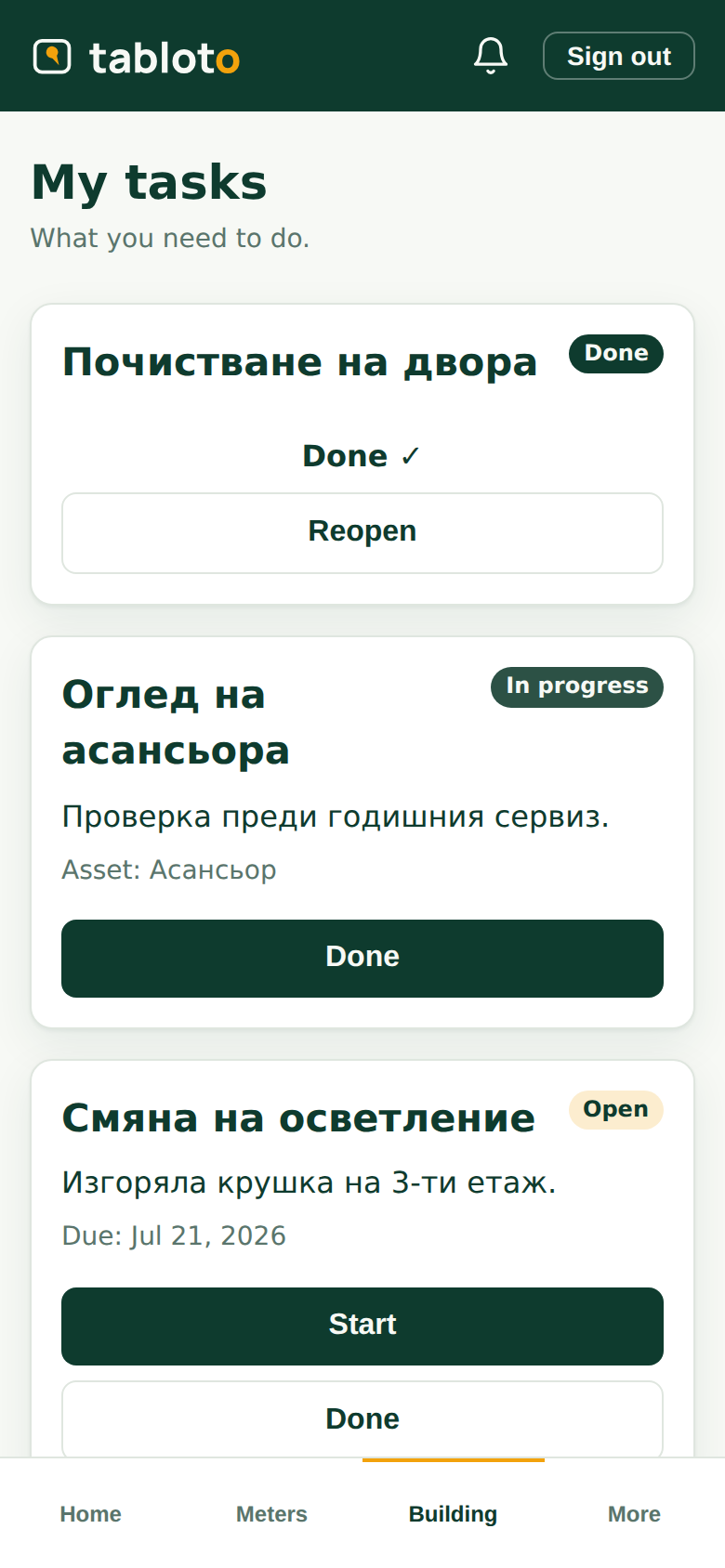
Where you have got to
Each task has three states, and you move them:
- open — not started yet;
- in progress — you are working on it;
- done — finished.
One tap. The committee sees the change immediately; you do not need to phone anyone.
Mark “in progress” when you start. Not for the paperwork — so nobody asks you three times whether you have begun.
What else you see
- Inventory — what the building has: lift, pump, gate. When it was bought, what condition it is in, which company maintains it. Read-only — you use it, you do not keep the register.
- Calendar — what is coming up in the building, including the general assemblies.
What you do not see
Money. Invoices, funds, arrears, expenses — none of it is on your screen. Not because it is hidden from you, but because it is not your job: you do the work, the committee pays for it.
You do not create tasks and you do not assign yourself. The task comes from the committee — you say how far it has got.