Photographing a meter reading
Walk the meters, take the photo, done. What to do when the digits do not come out.
This is your main job in Tabloto, and it takes about a minute per meter.
The round
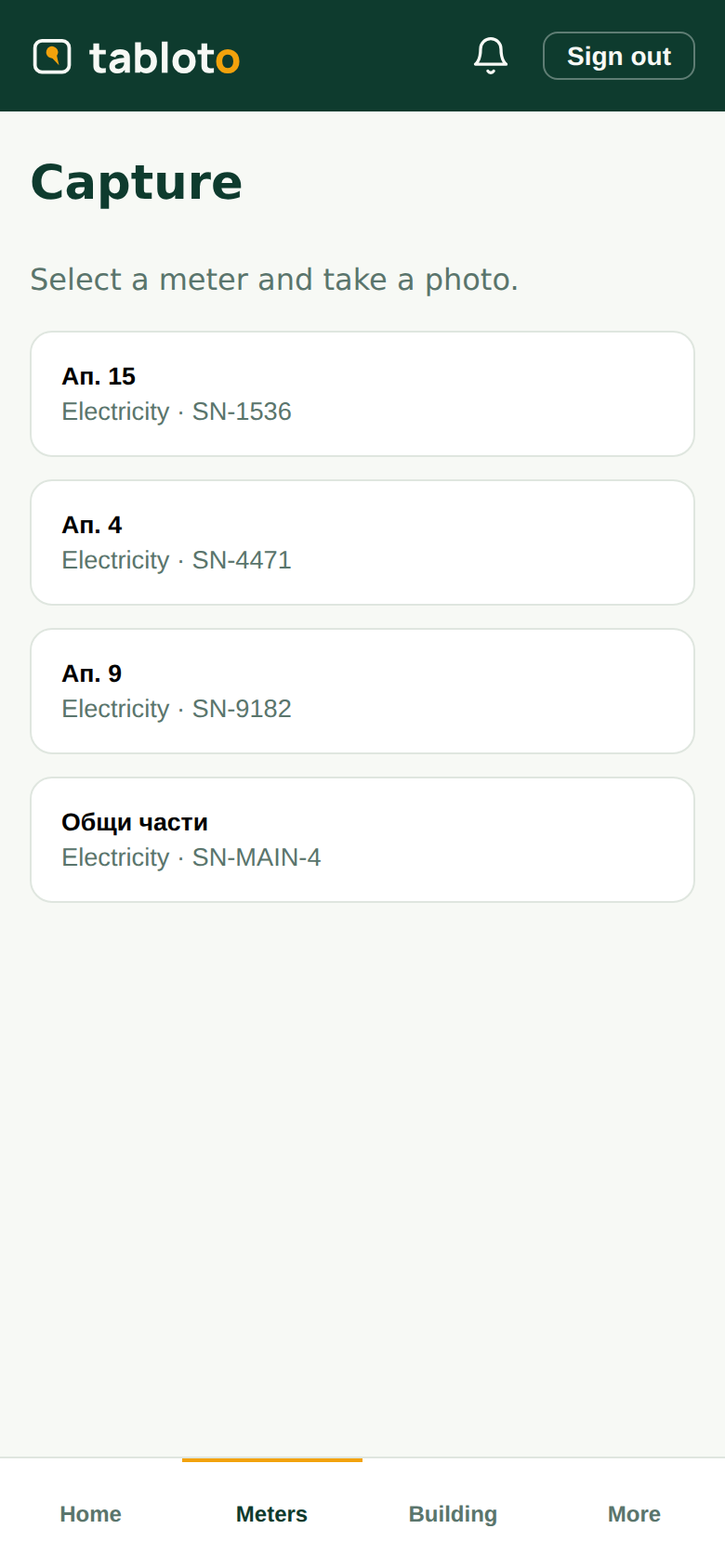
Meters → Capture.
- Pick the meter — by apartment or by serial number, whichever suits you.
- Photograph the dial.
- Wait a second. The value fills itself in.
- Look at it. Does it match what you see on the meter?
- Submit.
That is all. The reading goes to the committee for review.
Look before you submit
The number is filled in from the photo, but you are standing at the meter and the software is not. If what it filled in does not match the dial — it read 6282 instead of 6283, say — just correct it and submit the right one.
Do not worry about “breaking” something. Correcting it is the normal job: that is why you are there.
If the digits do not come out
Sometimes the field stays empty, or the number is obviously wrong. Usually it is:
- glare off the glass — stand slightly to one side;
- darkness — use the phone’s torch;
- a dirty glass — wipe it;
- a shaky photo — brace your hand.
Try again. If it still will not, type the number in by hand and submit. This is completely normal and nothing is broken — the photo is kept with the reading either way, so the committee sees what you saw.
Why the photo matters
The photo stays attached to the reading forever. If someone questions their bill two months later, the committee opens the photo and sees what the meter showed that day.
So: photograph the dial so the digits can be read. That matters more than whether the app managed to read them.
You do not approve your own
You read; the committee reviews and approves. That is deliberate — two people see the number before it becomes someone’s bill.
Money is not your job. Tabloto shows you no invoices, no funds and no arrears — that is not withheld from you by accident.